ILLUSTRATIVE PROJECT PATHS

Prepare a focused discussion around the catalogue models

These illustrative paths help organise product and document requests. Exact model names and original images come from the supplied catalogue; technical details remain linked to their source documents.

PREPARE YOUR REQUIREMENTS

Start with the product records and source documents

Use the prompts below to prepare an RFQ or engineering review. Each path identifies catalogue products to review and the project information needed to confirm the final selection.

01

ILLUSTRATIVE DISCUSSION PATH

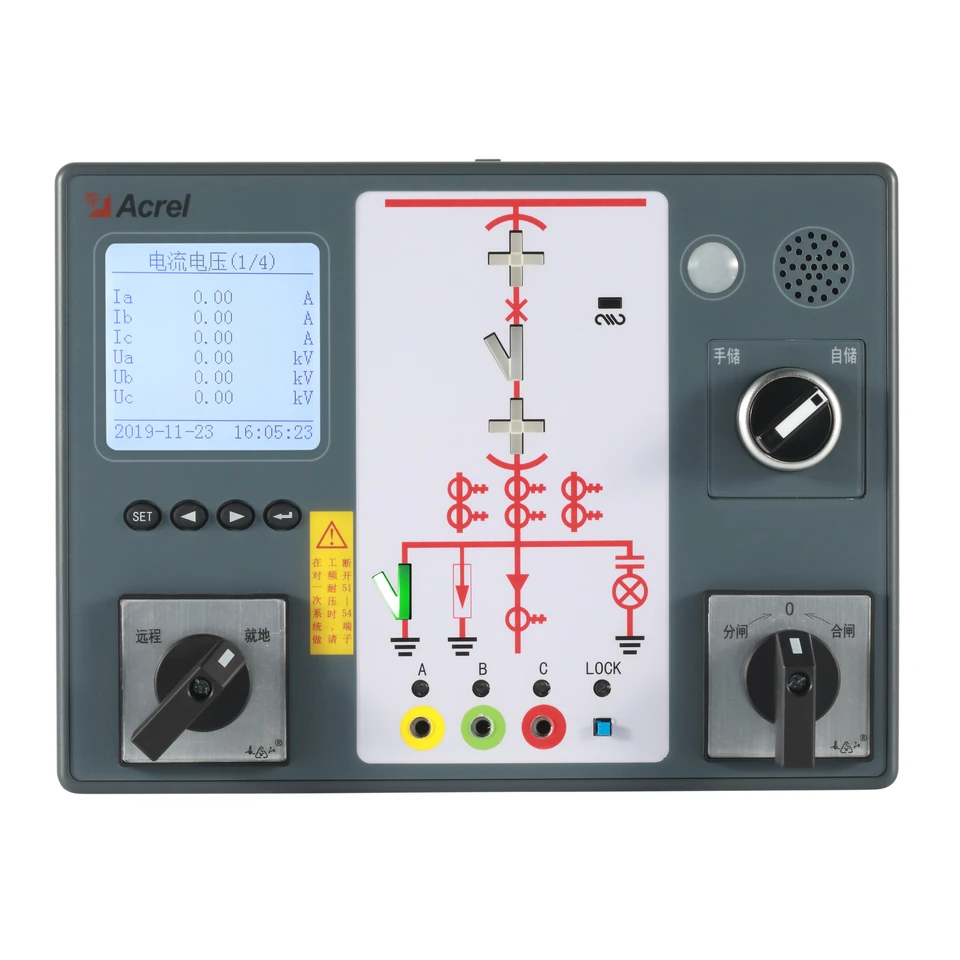
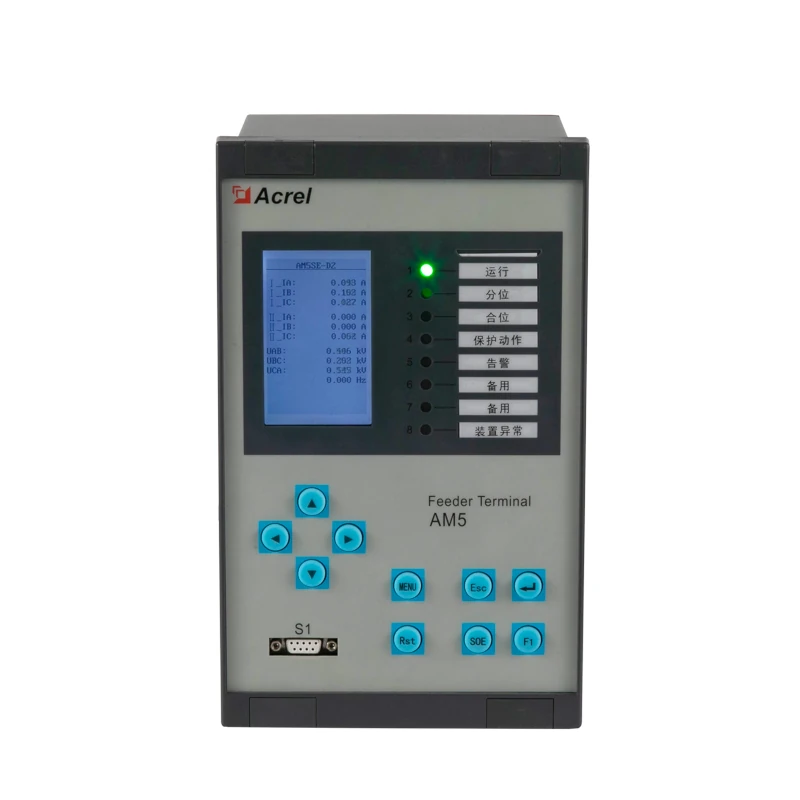
SST switchgear-cabinet product review

Prepare the model list and documentation for products recorded under the catalogue's switchgear-cabinet location.

Project discussion scope

  • Confirm the cabinet position and catalogue model codes
  • Record the required quantities and installation constraints
  • Review source manuals for the selected devices
  • Confirm the final project configuration with the engineering team
02

ILLUSTRATIVE DISCUSSION PATH

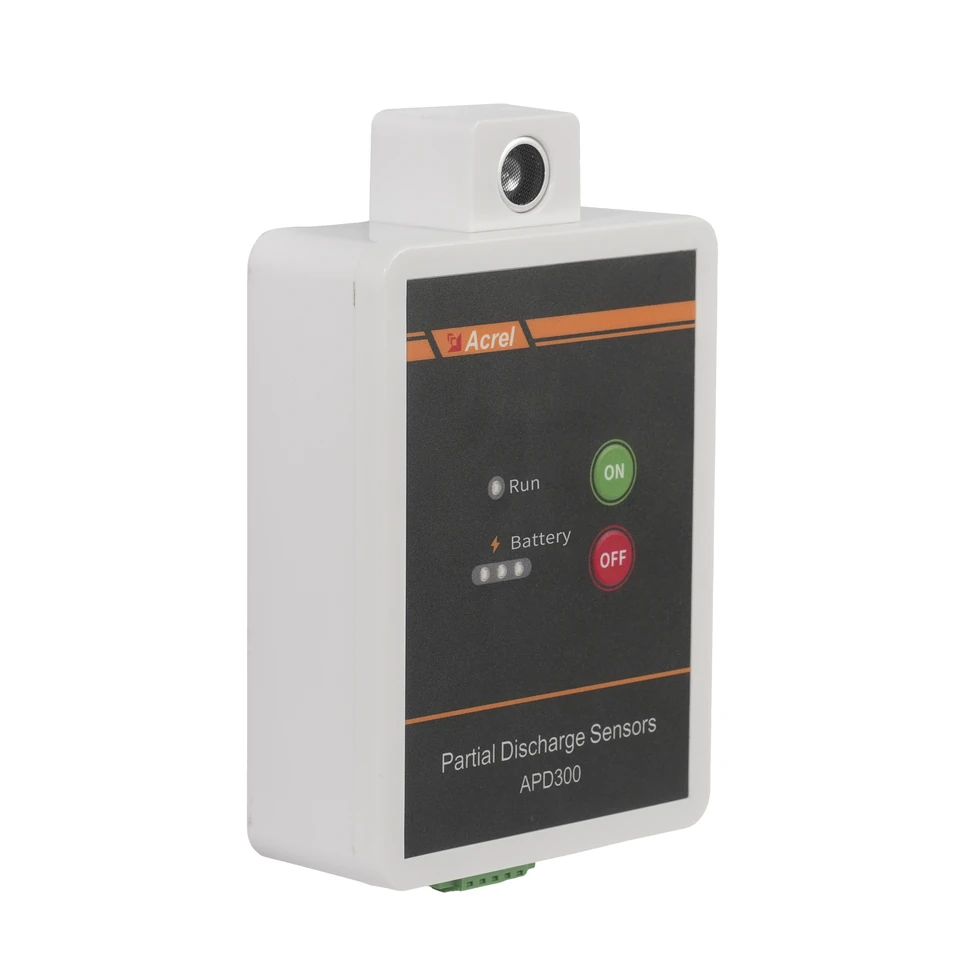
Partial-discharge monitoring document review

Review the catalogue-listed partial-discharge device and its matching manual before preparing project requirements.

Project discussion scope

  • Confirm the exact catalogue model and intended cabinet location
  • Review the model-specific sensing and installation details
  • Identify required power and interface information in the source manual
  • Define how project indications will be reviewed and handled
03

ILLUSTRATIVE DISCUSSION PATH

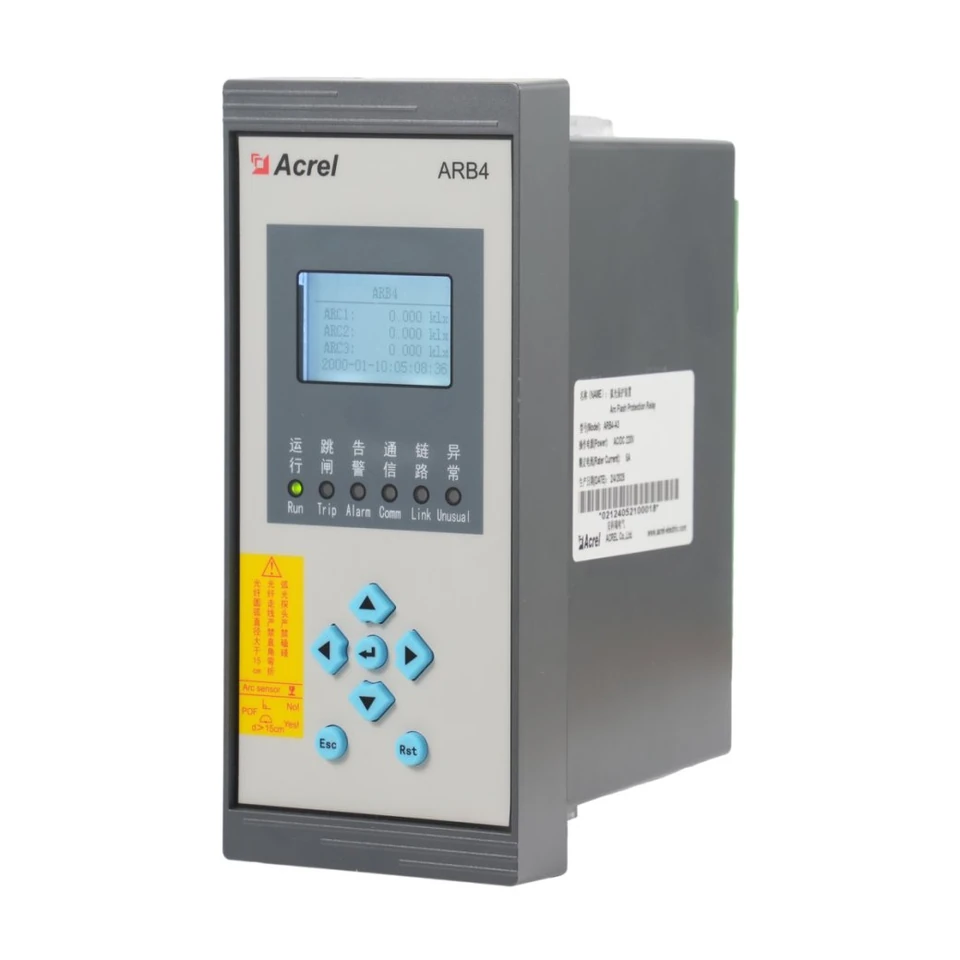
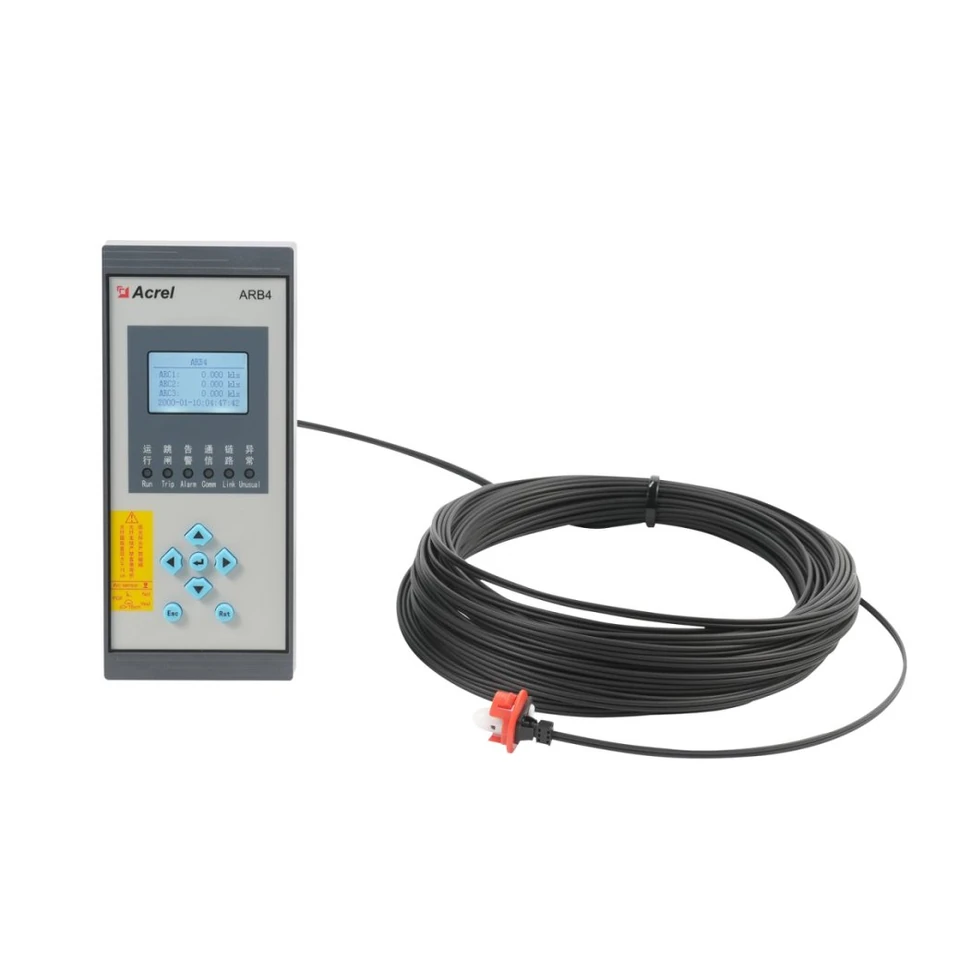
Arc-protection device and probe review

Record the protection device and arc-probe codes separately, then identify the documents needed to confirm the intended system.

Project discussion scope

  • Record the relay and probe part numbers from the catalogue
  • Review original catalogue photographs and available manuals
  • Confirm pairing for the exact selected relay and probe codes
  • Agree protection zones, trip-circuit requirements and commissioning scope
04

ILLUSTRATIVE DISCUSSION PATH

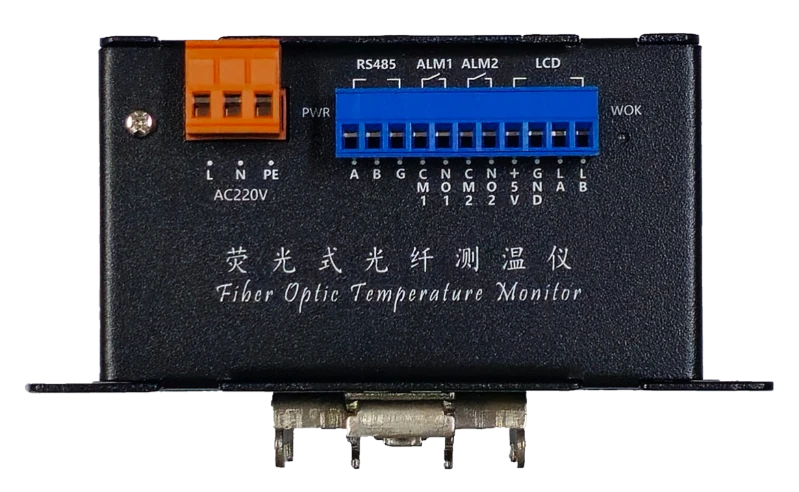
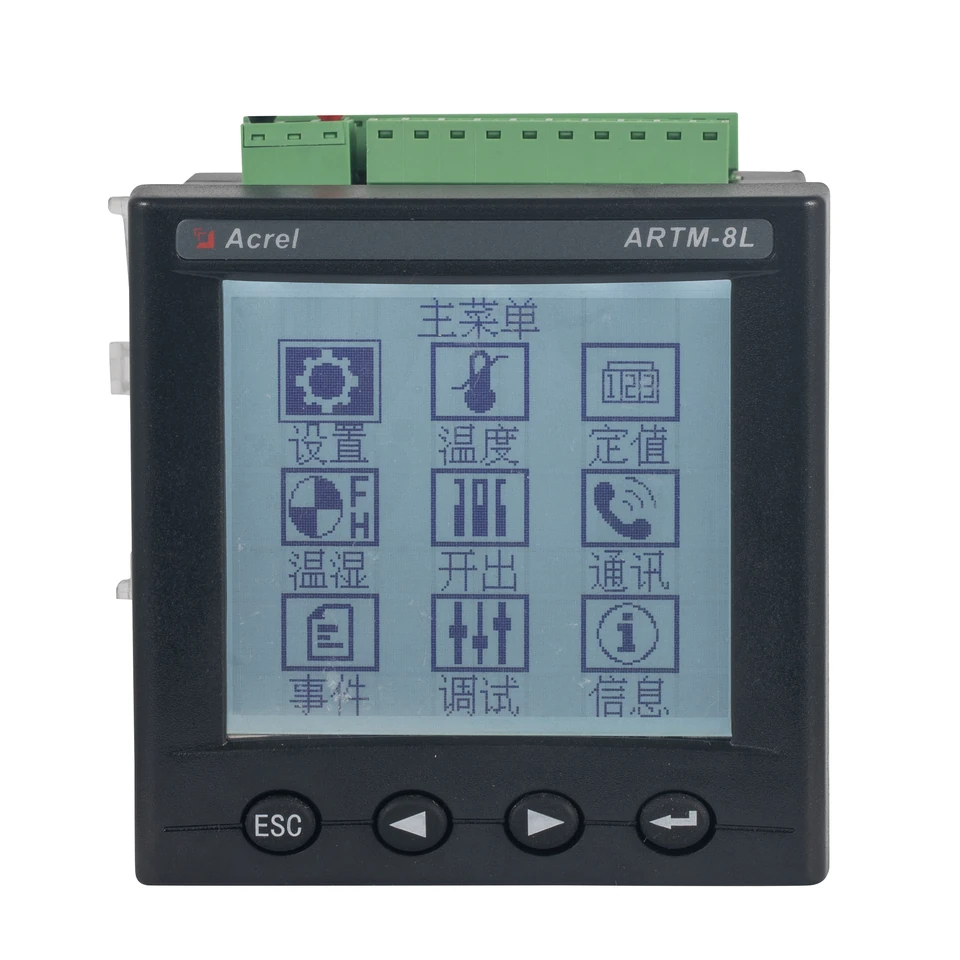
Output-cabinet temperature product review

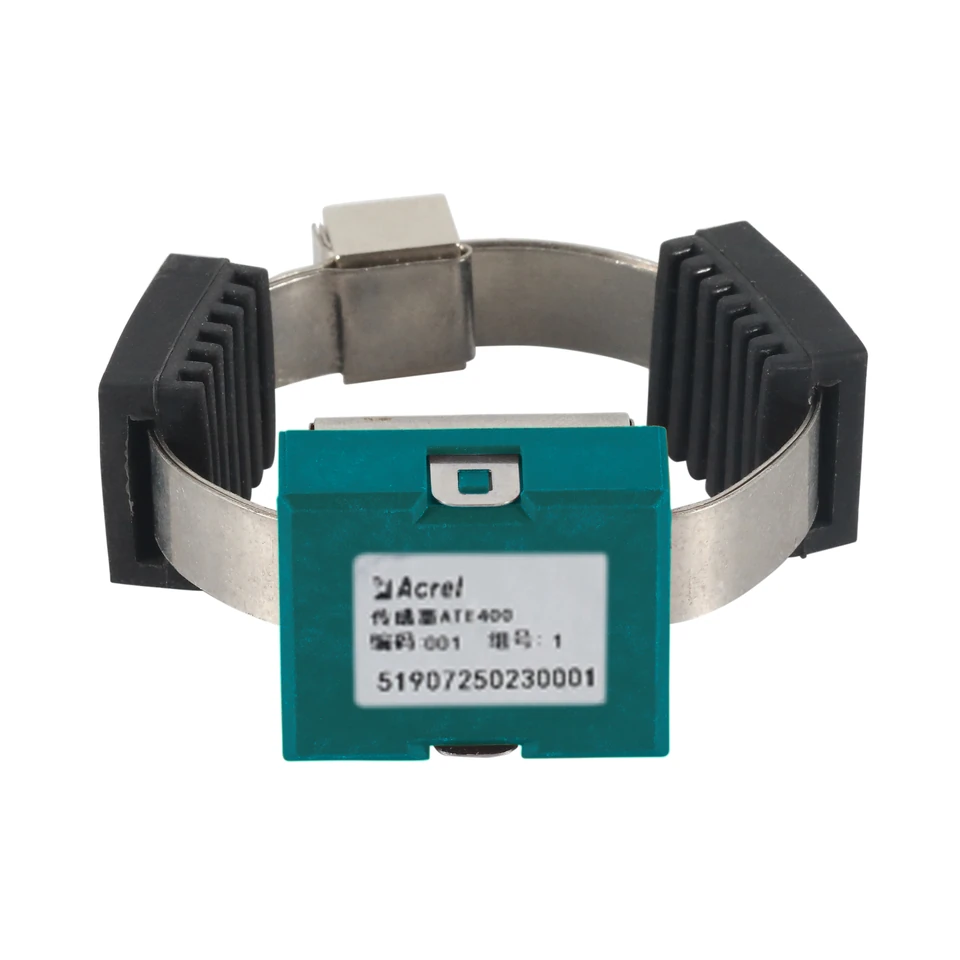
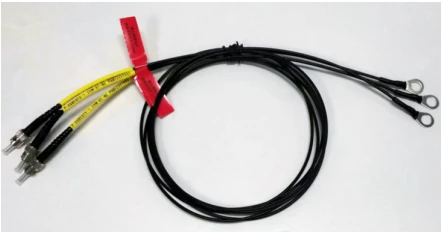
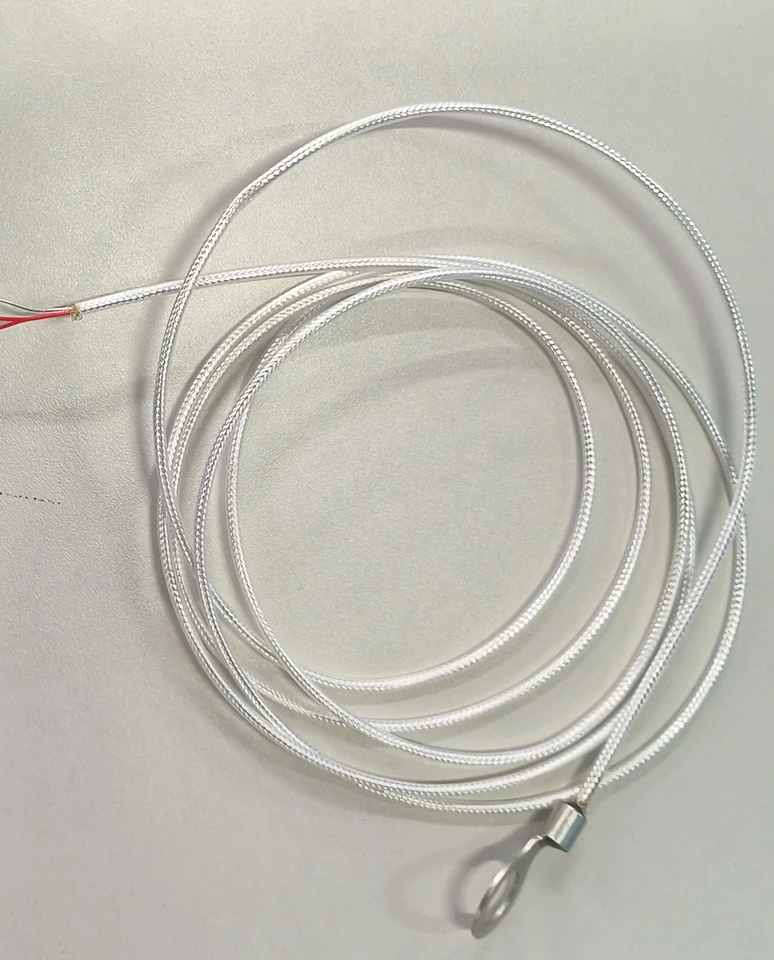
Prepare a document request for the temperature monitors and probes listed in the output-cabinet section of the catalogue.

Project discussion scope

  • List the catalogue monitors, probe descriptions and quantities
  • Confirm the monitored points and installation constraints
  • Review the corresponding monitor input requirements
  • Request probe-specific documents where the catalogue does not supply a model or technical rating

PROJECT-SPECIFIC REVIEW

What to send with the product list

01System context

Cabinet position, electrical system and operating environment.

02Technical requirement

Exact models, required functions and documents needed for review.

03Commercial requirement

Quantity, destination and target delivery date.

REFERENCE FAQ

How to use these discussion paths

Are these completed customer projects?

These are illustrative discussion paths based on the supplied catalogue and source documents. They contain no named customer project, installation result or acceptance claim.

Can you provide a project-specific recommendation?

Send the cabinet location, exact product codes, required functions, quantities and available drawings. Product pairing and the final configuration are confirmed for the actual project.

What helps an initial evaluation?

A cabinet list, single-line diagram, installation photographs, existing model references and target delivery date help identify the documents and technical questions to review.

Ready for a model-specific review?

Share the catalogue models and available drawings, photographs or specifications with your project requirements.